Moodle app features
-
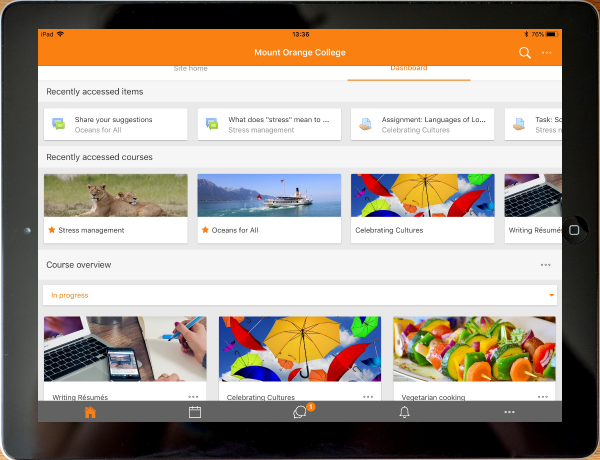
See your courses at glance
Your courses are listed with easy access to contents, participants, grades and notes. A useful filter field lets you find a particular course quickly. If your token expires during a session, you're prompted to re-enter your password and continue.
-
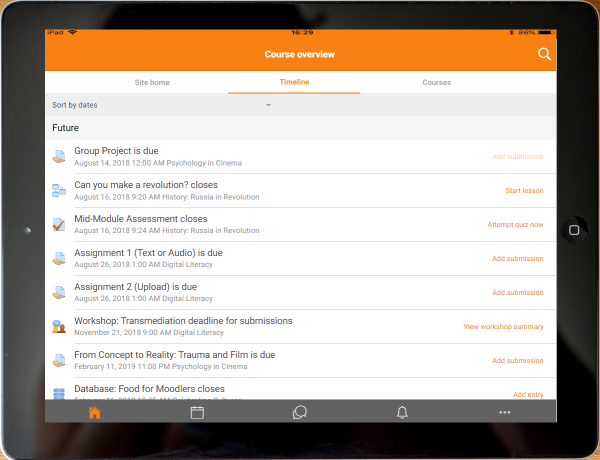
View and access activities which are due
The timeline display shows you which tasks you need to complete, with quick access links.


-
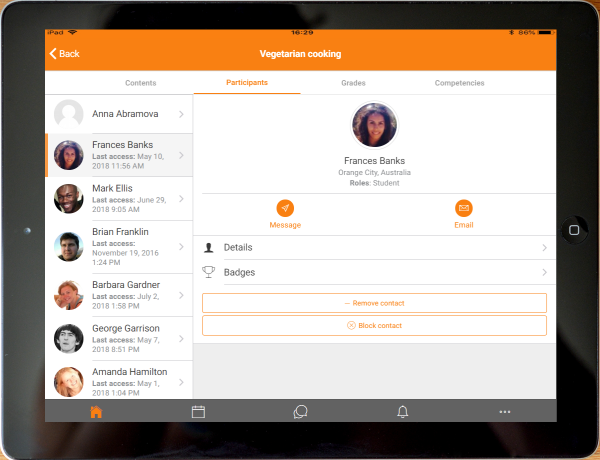
Connect with course participants
Easily connect to course participants.
-
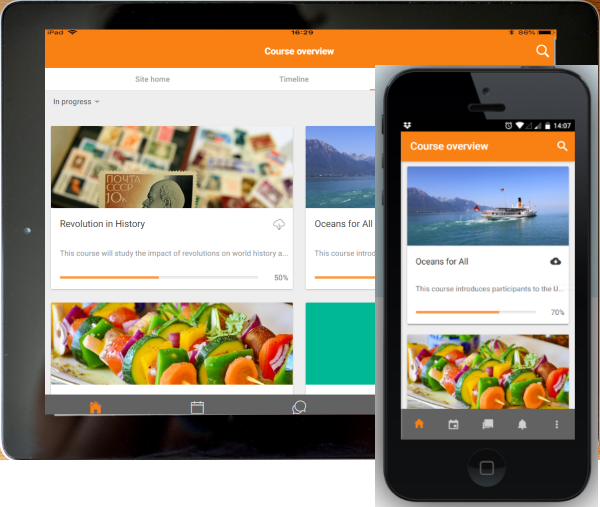
Orientation and resolution support
The app displays in portrait or landscape view, whatever your screen resolution.


-
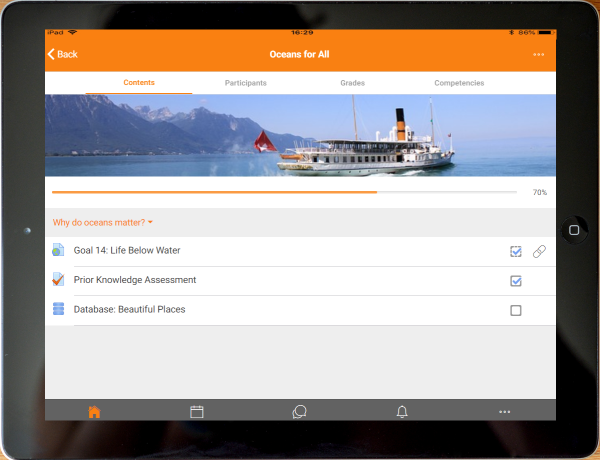
Easily access course content
View course activities and download materials for offline use. Work through Books and IMS Content packages directly in the app. The downloading status of resources is preserved even when changing sections or pages.
-
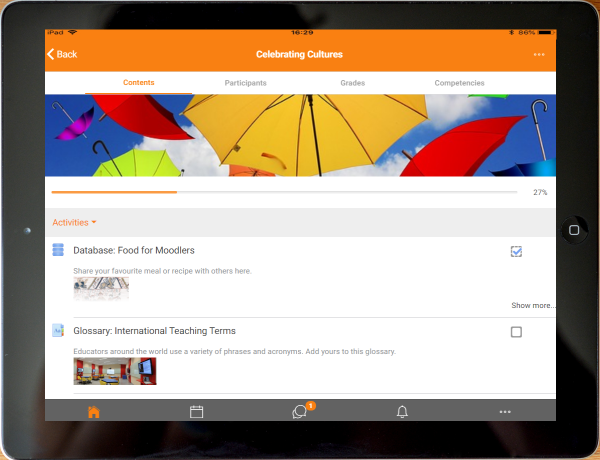
Activity completion
Track progress from your device with Activity completion. Automatic completion is registered, and students can also manually mark a task complete on their mobile.


-
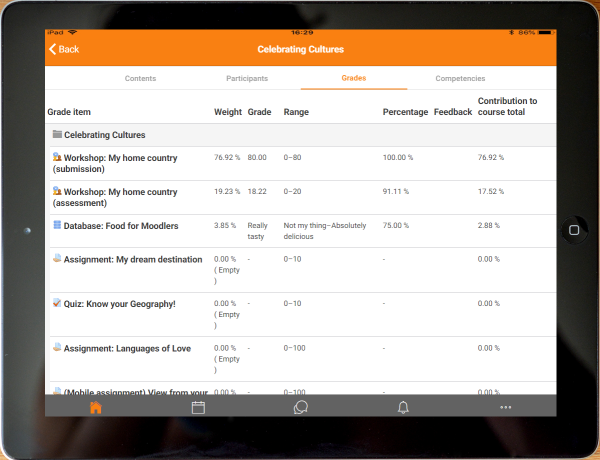
Grades and grading
A Grades link for each course gives fingertip access to the gradebook, and teachers can view assignment submissions on the move.
-
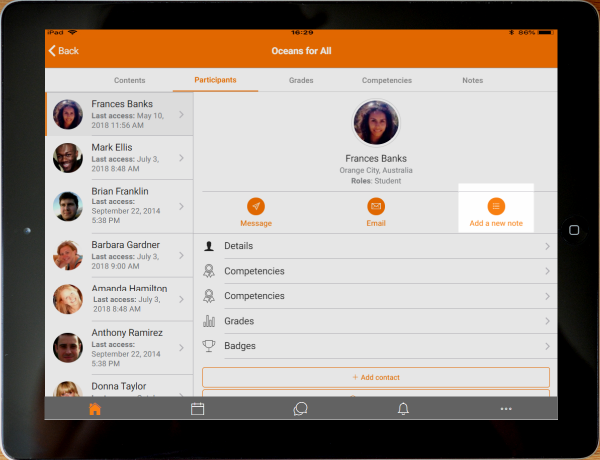
Notes
Teachers can view site, course and personal notes about their students and add their own notes.


-
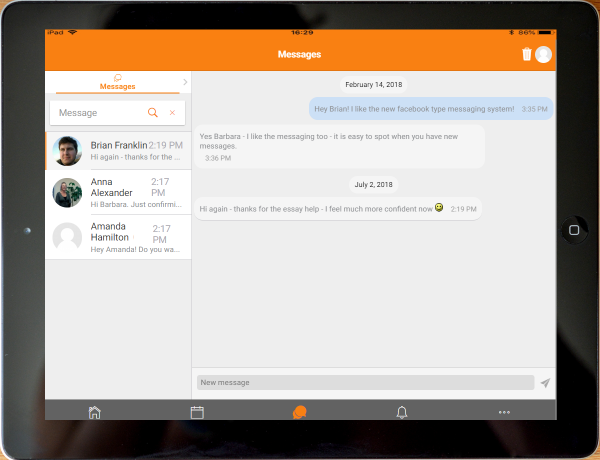
Message participants
Send and view private messages to colleagues and students from the Messages link in the side tab.
-
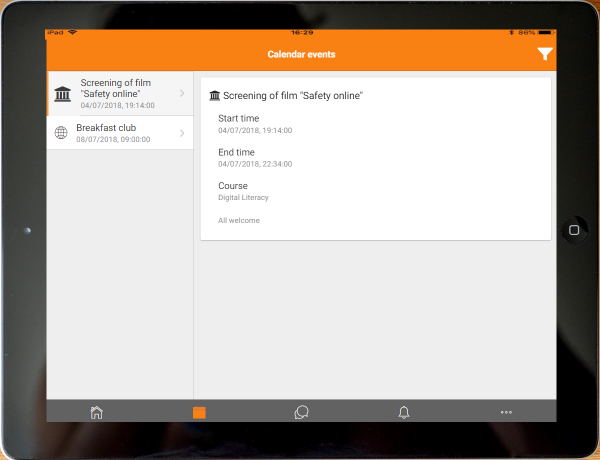
Keep up to date with calendar events
Site, course and user events can be viewed in the calendar.Calendar events can now be viewed offline and infinite scrolling is available.


-
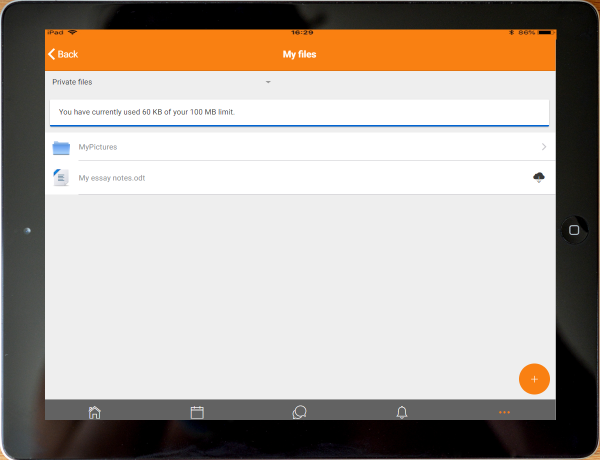
View and upload to your Private files
Check the contents of your private files and upload media to them on the go. You're now allowed up to 50MB storage (depending on your SD card).
-
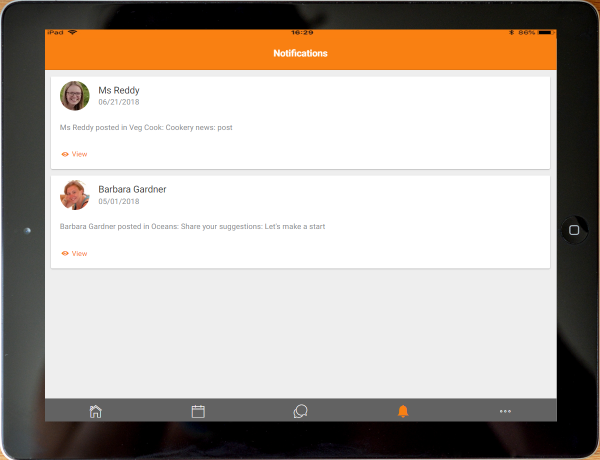
Notifications
Keep up to date with notifications. The app supports both local (calendar events) and push (messages, forum posts, submitted assignments etc) notifications. See Mobile app notifications for more details. Infinite scrolling is available and local notifications have multi-site support.


-
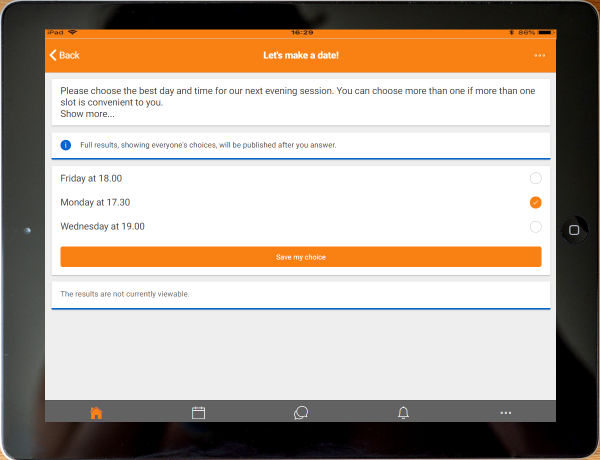
Make choices
The app supports students making and removing choices.
-
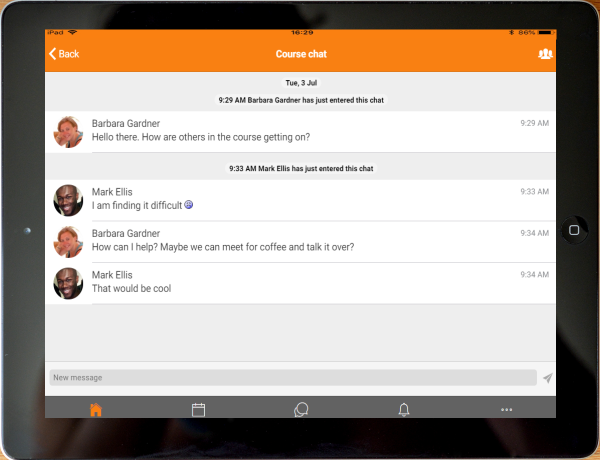
Engage in chat, on the move
Participate in a course Chat activity.


-
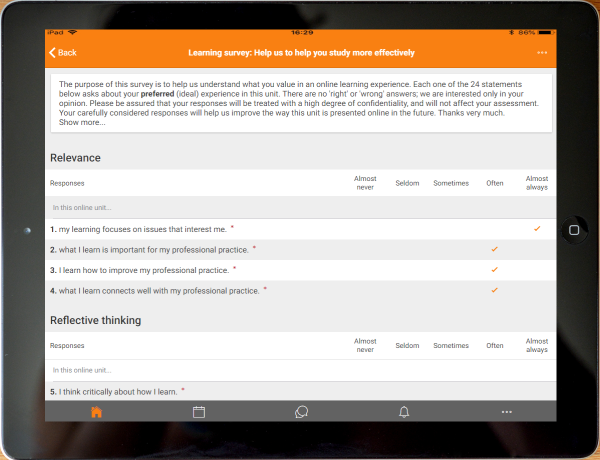
Feed back to teachers with a survey
Surveys may now be taken using the app.
-
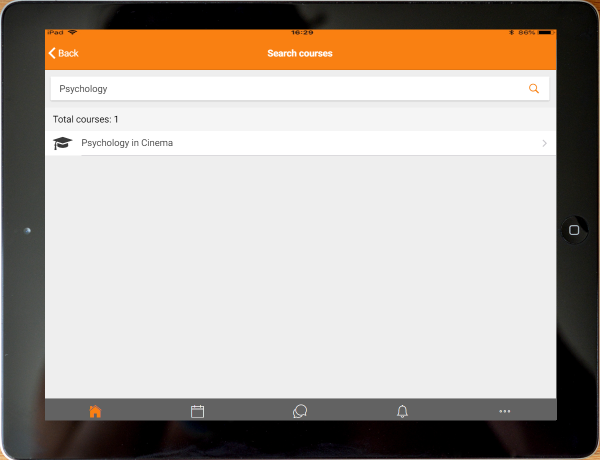
Search the list of courses
App users can search courses to find one they wish to take.


-
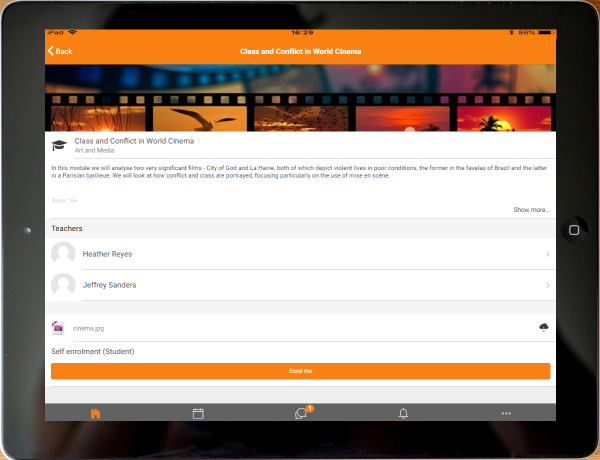
Enrol yourself from your smartphone
Found a course you like? Enrol immediately via the app.
-
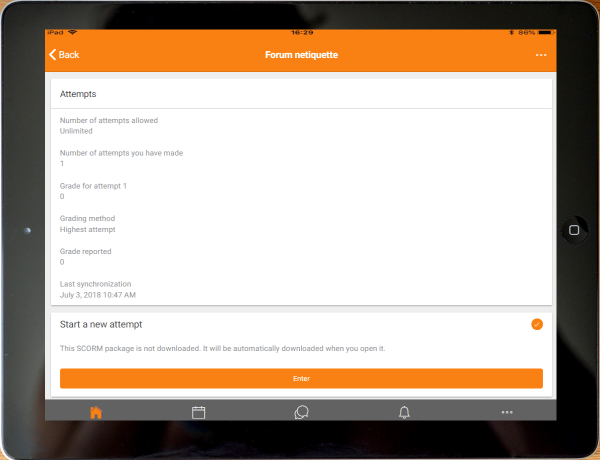
Play SCORM packages on and off-line
The Moodle app SCORM player tracks interactions and synchronises when you're back online.


-
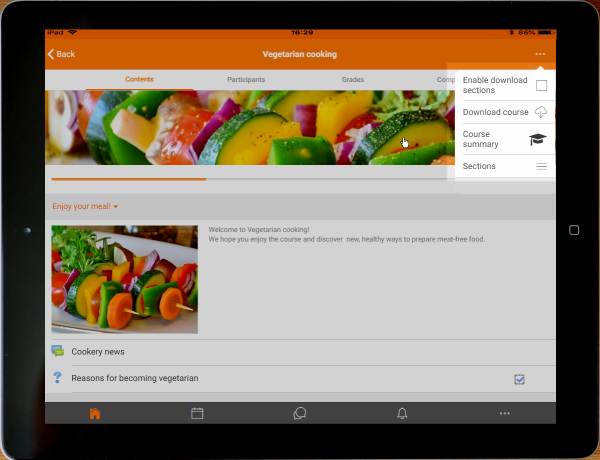
Download all course sections
Easily download all sections to view offline.
-
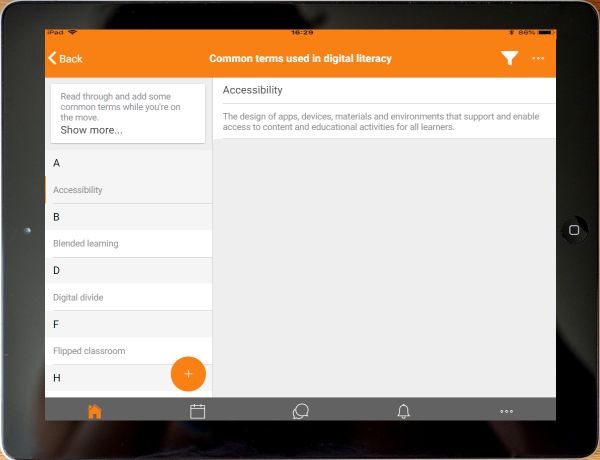
Browse glossary entries
Search for and browse glossary entries.


-
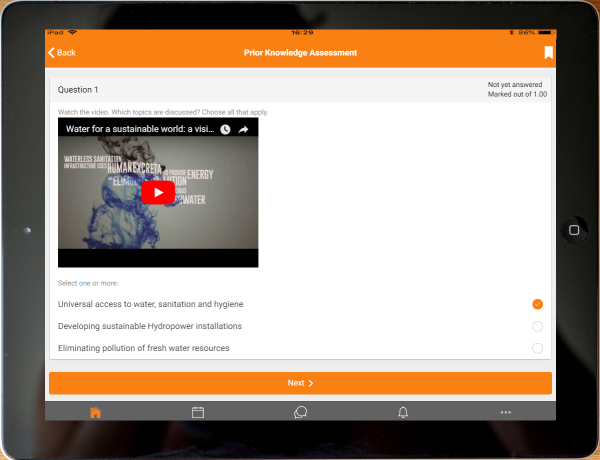
Take quizzes on your mobile
Quizzes may now be completed on the move. Find out more about the Moodle Mobile quiz.
-
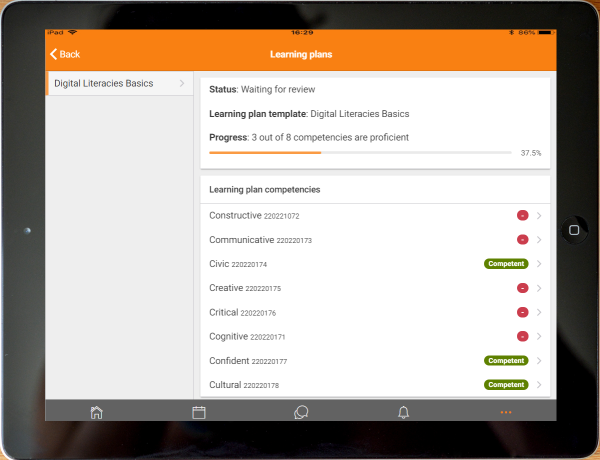
Learning plans
Learning plans may be viewed and progress checked from the mobile.


-
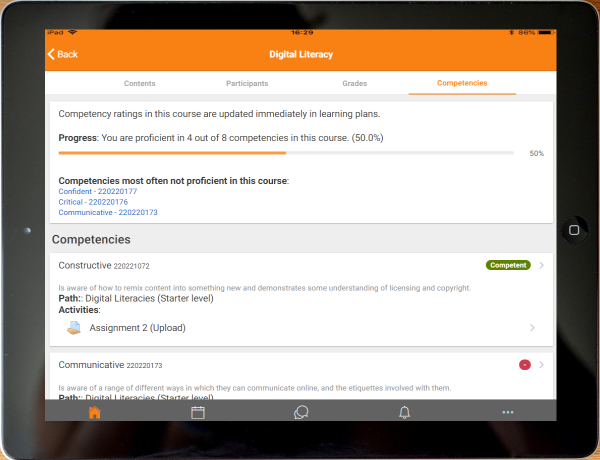
Easiy view course competencies
A Competencies tab allows you to see course competencies at a glance.
-
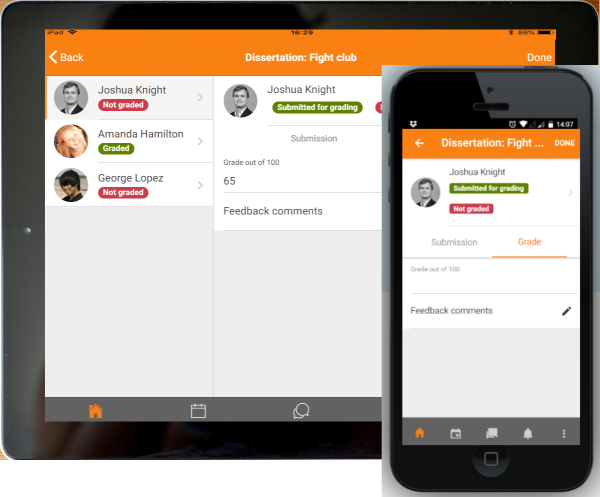
Teachers: Grade assignments
Assignments may be graded on the move, from the app and may be graded offline


-
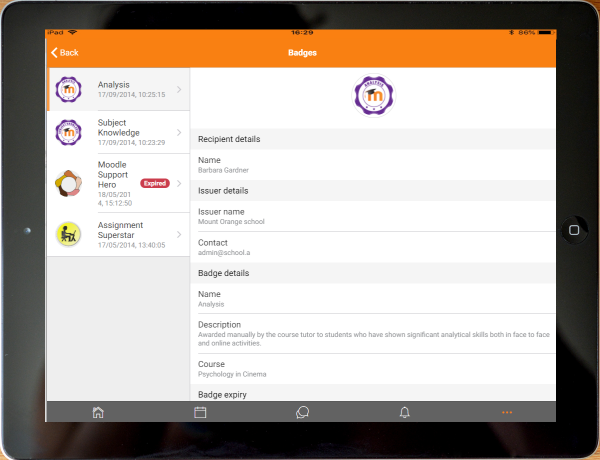
View badges from your profile
Badges are now visible from a link in the user profile
-
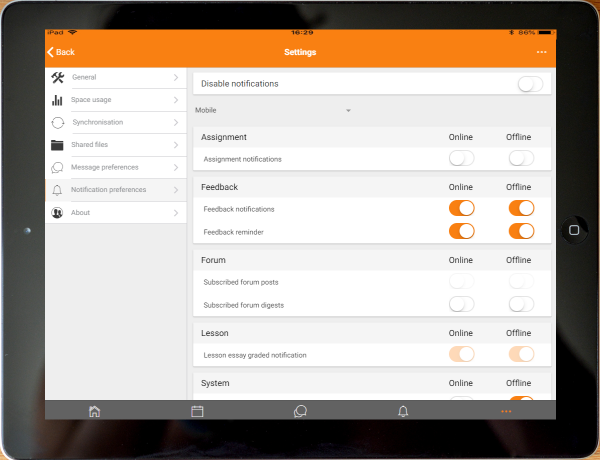
Notifications & Messaging preferences
New preferences screen lets you decide how to be alerted


-
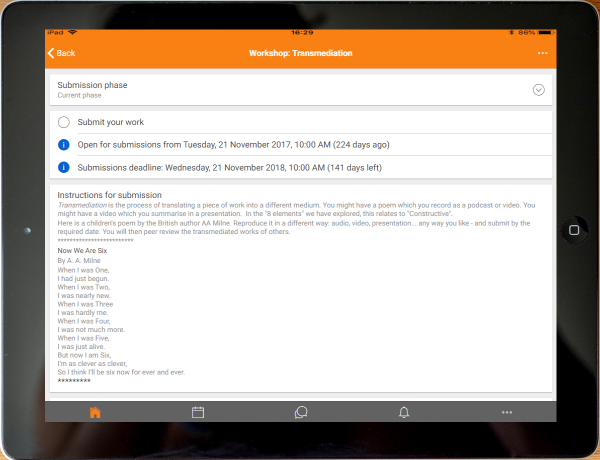
Submit to workshops from the app
Students can now do workshop activities from their mobile or tablet.
-
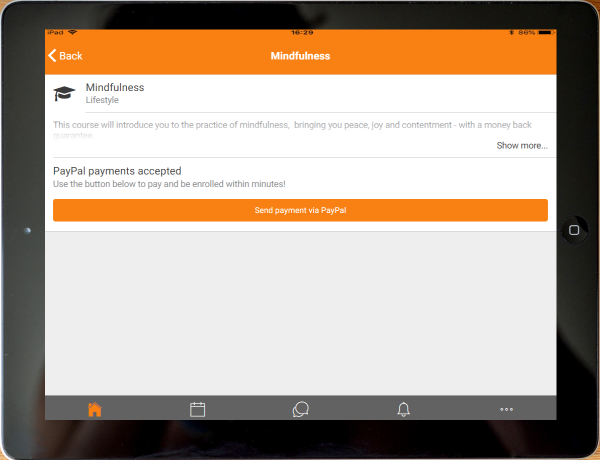
Sign up to courses via PayPal
PayPal enrolment is now supported in the app.


-
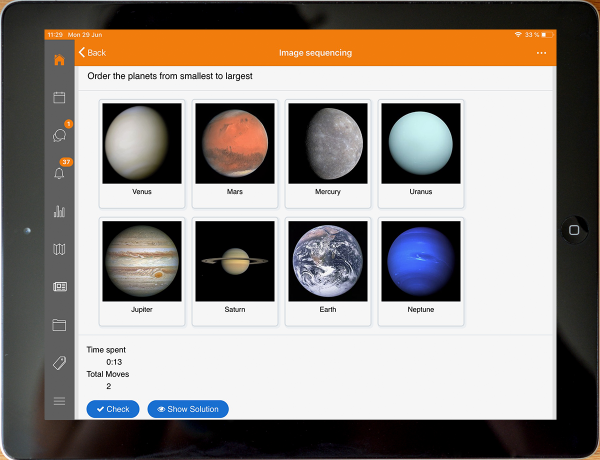
Play H5P on and off-line
Users can now play H5P packages on and off-line, including grading for the H5P activity.
-
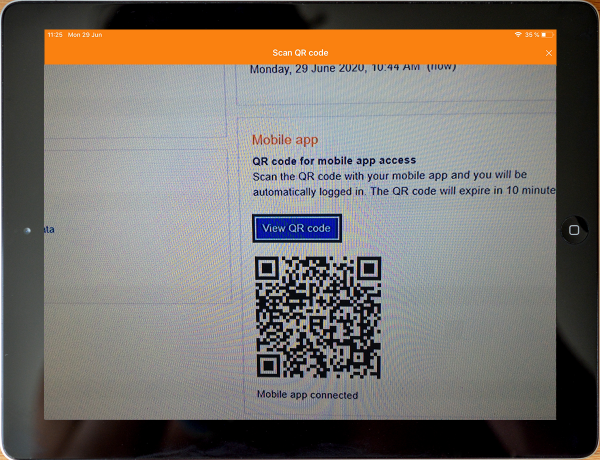
Scan QRs to login or open courses/activities in the app
The app now includes a QR reader so users can easily authenticate in their site or open certain courses or activities in the app.


Features summary
Please, download the following document that includes a detailed features comparision table between Moodle LMS and the Moodle app: Moodle features for students
Activities & Resources Support

Languages
The Moodle app is being translated into an increasing number of languages. As of June 2020, 47 languages are available:
(ar) عربي, (bg) Български, (ca) Català, (cs) Čeština, (da) Dansk, (de) Deutsch, (de-du) Deutsch - Du, (el) Ελληνικά, (en) English, (en-us) English - United States, (es) Español, (es-mx) Español - México, (eu) Euskara, (fa) فارسی, (fi) Suomi, (fr) Français, (he) עברית, (hu) magyar, (id) Indonesian, (it) Italiano, (ja) 日本語, (km) ខ្មែរ, (kn) ಕನ್ನಡ, (ko) 한국어, (lt) Lietuvių, (lv) Latviešu, (mn) मराठी, (mr) मराठी, (nl) Nederlands, (no) Norsk - bokmål, (pl) Polski, (pt-br) Português - Brasil, (pt) Português - Portugal, (pt-br) Português - Brasil, (ro) Română, (ru) Русский, (sl) Slovenščina, (sr-cr) Српски, (sr-lt) Srpski, (sv) Svenska, (tg) Тоҷикӣ, (tr) Türkçe, (uk) Українська, (vi) Vietnamese, (zh-cn) 简体中文, (zh-tw) 正體中文
If the Moodle app is not yet available in your language, please consider helping with the translation. See Translating Moodle Mobile for details.
See also
- Moodle Mobile offline features - Presentation in the MoodleMoot UK 2016
- Moodle Mobile release notes in the dev docs
