Features
From MoodleDocs
Moodle is a free, online Learning Management system enabling educators to create their own private website filled with dynamic courses that extend learning, any time, anywhere.
Whether you're a teacher, student or administrator, Moodle can meet your needs. Moodle’s extremely customisable core comes with many standard features. Take a look at a highlight of Moodle's core features below.
General Features
-
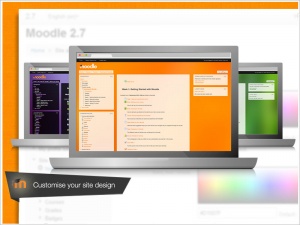
Customisable site design and layout
Easily customise a Moodle theme with your logo, colour schemes and much more - or simply design your own theme.
Themes -
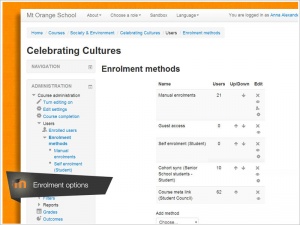
Secure authentication and mass enrolment
Over 50 authentication and enrolment options to add and enrol users to your Moodle site and courses.
Authentication / Enrolment -
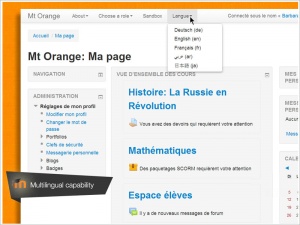
Multilingual capability
Allow users to view course content and learn in their own language, or set it up for multilingual users and organisations.
Language -
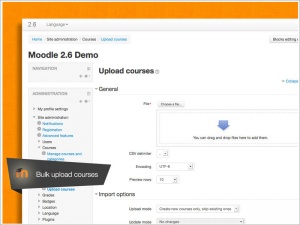
Bulk course creation and easy backup
Add courses in bulk, back up and restore large courses with ease.
Bulk course upload -
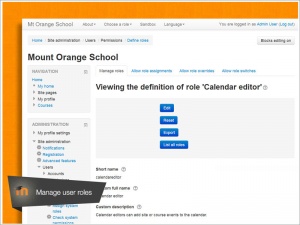
Manage user roles and permissions
Address security concerns by defining roles to specify and manage user access.
Roles and permissions -
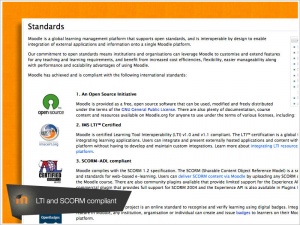
Supports open standards
Readily import and export IMS-LTI, SCORM courses and more into Moodle.
SCORM / External tool -
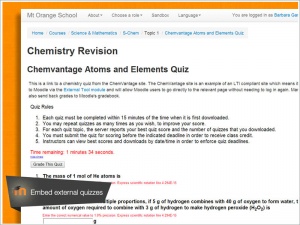
High interoperability
Freely integrate external applications and content or create your own plugin for custom integrations.
Standards -
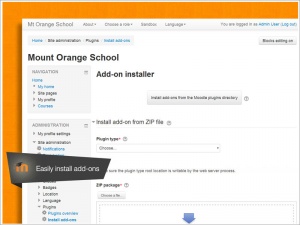
Simple plugin management
Install and disable plugins within a single admin interface.
Installing plugins -
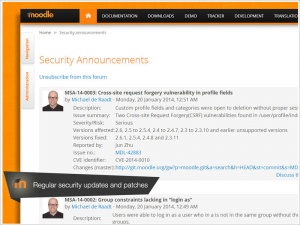
Regular security updates
Moodle is regularly updated with the latest security patches to help ensure your Moodle site is secure.
Security -
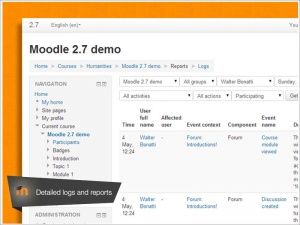
Detailed reporting and logs
View and generate reports on activity and participation at course and site level.
Site-wide reports


See all site management and development features→
Course Development and Management Features
-
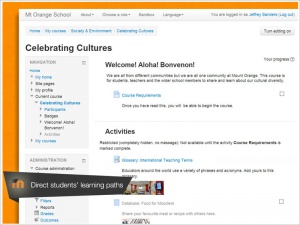
Direct learning paths
Design and manage courses to meet various requirements. Classes can be instructor-led, self-paced, blended or entirely online.
Pedagogy -
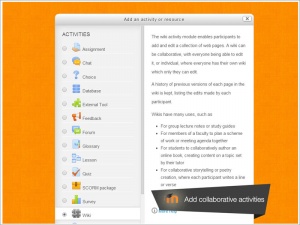
Encourage collaboration
Built-in collaborative publishing features foster engagement and encourage content-driven collaboration.
Activities -
Embed external resources
Teach materials and include assignments from other sites and connect to the gradebook in Moodle.
External tool -
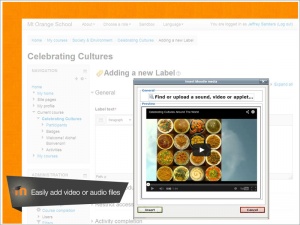
Multimedia Integration
Moodle’s built-in media support enables you to easily search for and insert video and audio files in your courses.
Working with media -
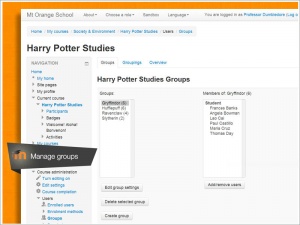
Group management
Group learners to share courses, differentiate activities and facilitate team work.
Groups -
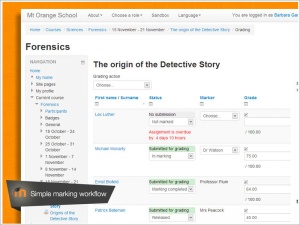
Marking workflow
Conveniently assign different markers to assignments, manage grade moderation and control when marks are released to individual learners.
Assignment module -
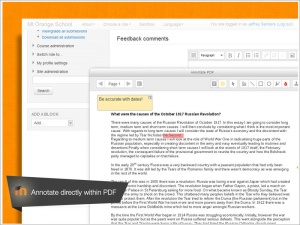
In-line marking
Easily review and provide in-line feedback by annotating on PDF files directly within browser.
Assignment module -
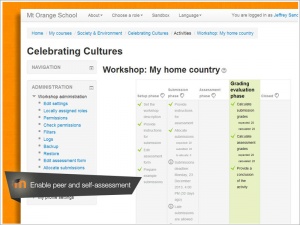
Peer and self assessment
Built-in activities such as workshops and surveys encourages learners to view, grade and assess their own and other course members' work as a group.
Workshop -
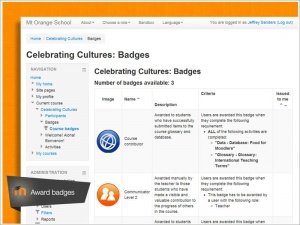
Integrated Badges
Fully compatible with Mozilla Open Badges, motivate learners and reward participation and achievement with customised Badges.
Badges -
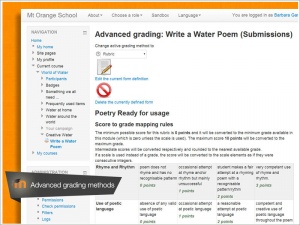
Outcomes and rubrics
Select from advanced grading methods to tailor the gradebook to your course and examination criteria.
Grades -