admin/repository/flickr public
Från MoodleDocs
Flickr Public Configuration
This page lets you configure access to a Flickr Public repository. It will allow a user to search Flickr and copy files from there into any of the Moodle file interfaces.
To set this repository up you need to set the following field:
- API Key
Setting up a Flickr API
To get your API Key you need to create an App inside your Flickr account. Visit this link to start creating your own API Key.
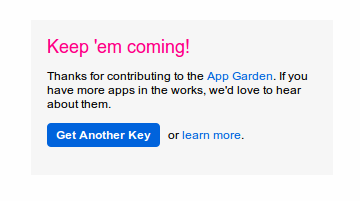
- Click the "Get Another Key" button to start creating your App.
- Choose "Apply for a Non-commercial Key"
- Enter a title and brief description for the App (i.e. Moodle to Flickr Access - App to allow Moodle to access Flickr through it's repository API)
- Tick the two boxes to show your agreement to Flickr's terms of use and then click submit.
- You will now have the key for the new app. Copy and paste this into the field in your Moodle Flickr public configuration page.
- Click save on the Moodle Flickr public configuration page.
- Click "Save Changes"

You should now have a working Flickr public repository. Try adding a file from Flickr as a resource in Moodle to test it!
