Game module configure
De MoodleDocs
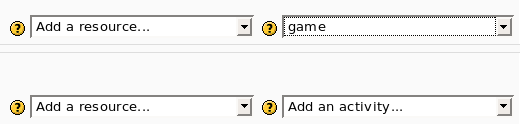
- To insert a new game use “Add an activity”

- After this the program show the first screen where you can set only the name and the visibility of the new game.

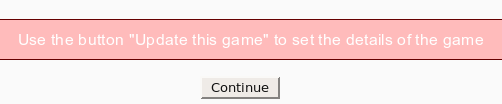
- After the you must use the button “Update the game” to select the kind of game and to set some parameters.

- Now you can select the kind of game (e.g. hangman, crossword, cryptex) and the source.
You have 3 options:
a) use as input a glossary (all or only one category)
b) use as input some questions. The kind of questions are “simple answer”, multi choice, true/false.
Every game need different kind of questions. For example hangman needs “simple answer” and millionaire needs multi choice. 
- This is all. Now you can enjoy the game.
